
Today, at a glance
A timeline of today's classes with rooms and notes. Mark one in a tap, or finish the day with Mark all present.
See what you can safely miss, simulate your next classes, and keep every timetable, task, exam and deadline in one private place.
4.8 out of 5 76 verified Google Play reviews India · Checked 16 October 2026 Make a timetable QR for your classFree, in your browser, no app neededMake your class timetable on the web, then post a single QR code in your class group. Classmates scan it with their camera and import every subject into Classly.
No account. Your timetable is never uploaded.
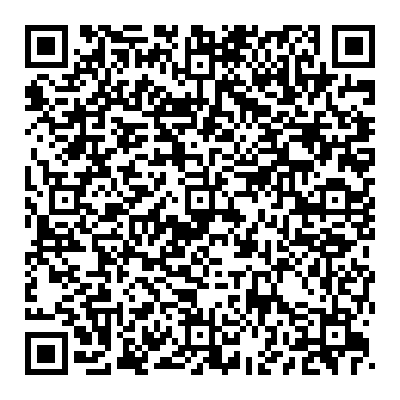
 Scan to get my timetable
Classmates scan this with their phone camera
Scan to get my timetable
Classmates scan this with their phone camera
“It’s all so aesthetic… very straight forward.”
“Really helpful app for tracking attendance!”
“I think this is the best app for college students.”
Built for students who want a clear next step, not another spreadsheet.
A timeline of today's classes with rooms and notes. Mark one in a tap, or finish the day with Mark all present.
See how many classes you can still miss, or how many you need to attend to get back on target.
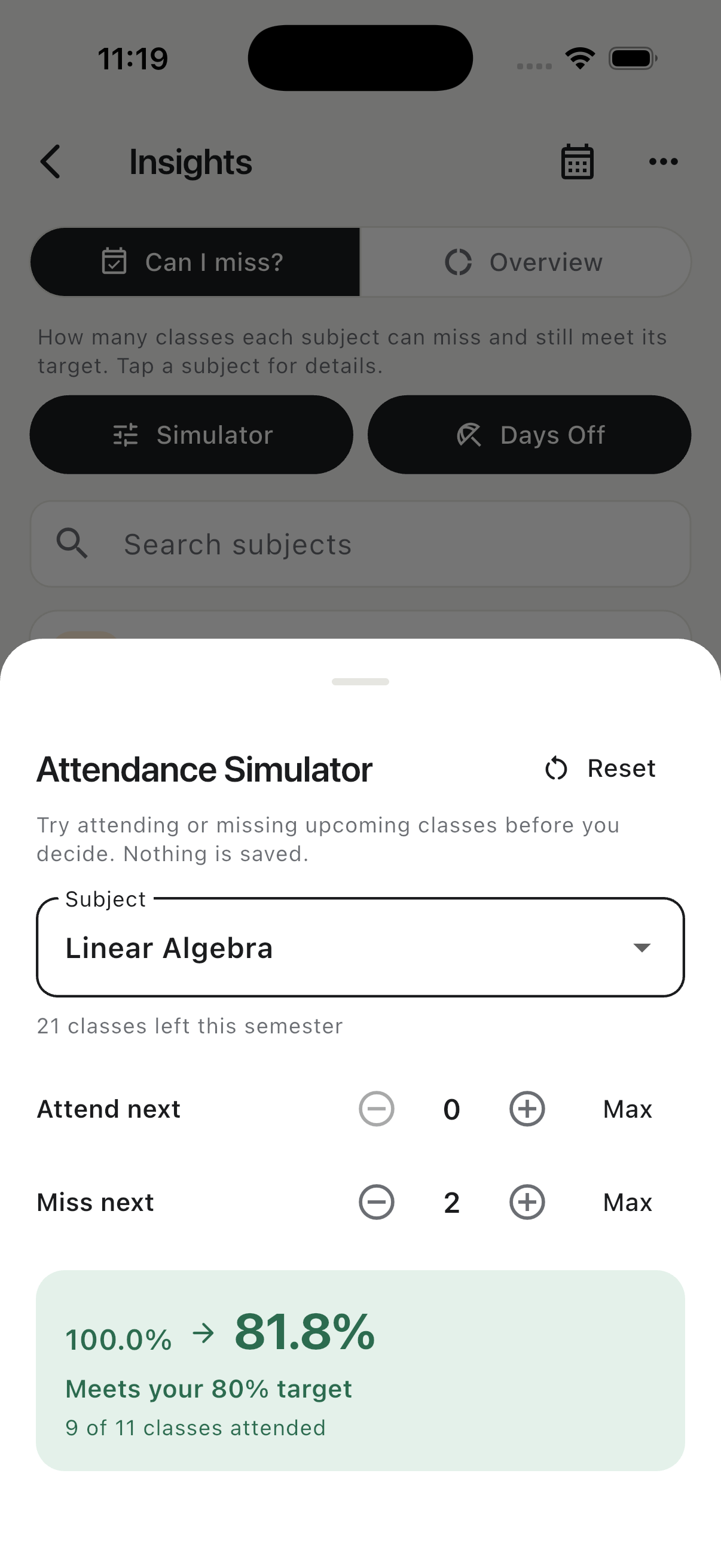
Try attending or missing upcoming classes before you decide. See the projected percentage and safe margin instantly.
Correct past days, cancel a class, add an extra one, change a single day's time or mark a holiday.
Deadlines sit next to your timetable, grouped by urgency, with reminders before each one.
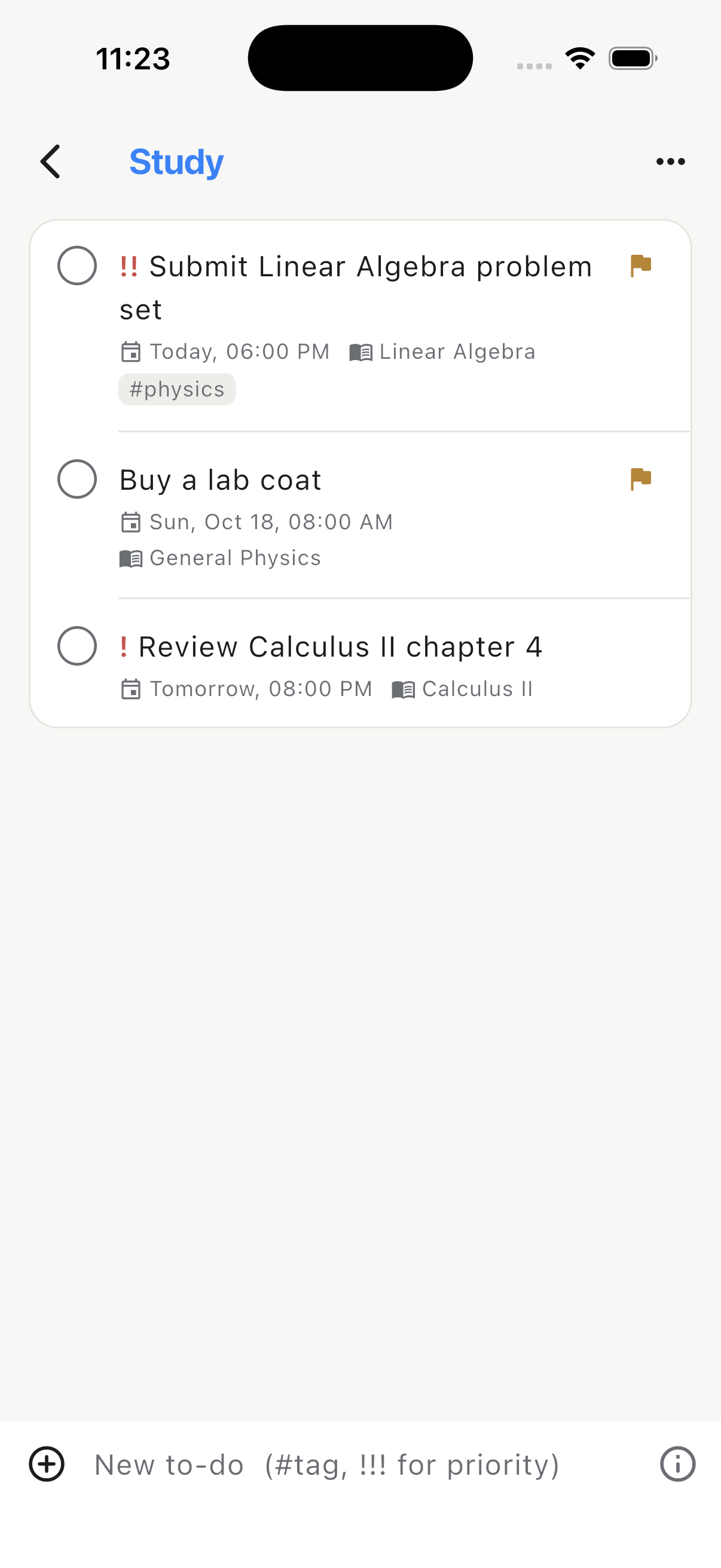
Organize tasks into lists with reminders, repeats, subtasks and tags — with optional links back to a subject.
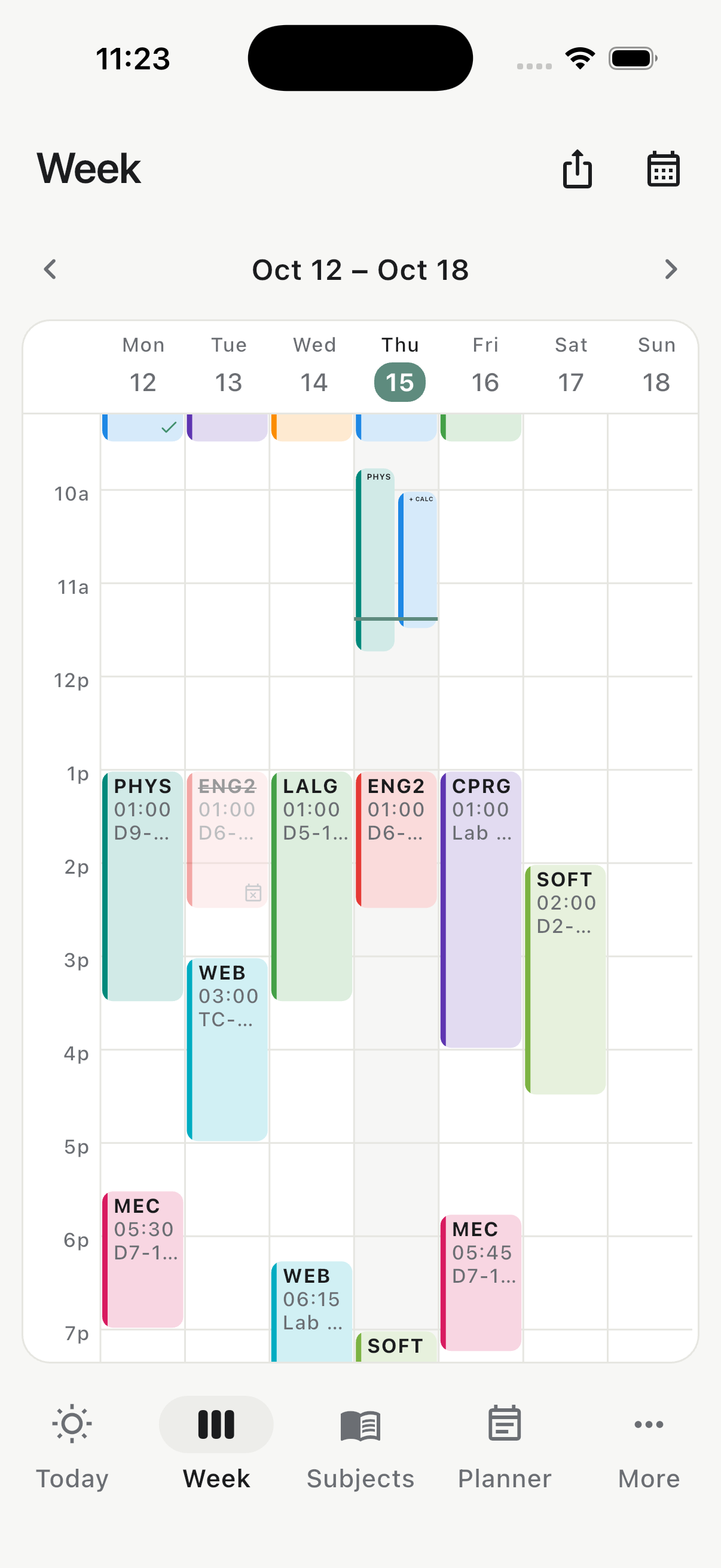
Switch between a focused daily timeline and a weekly timetable to spot busy days, rooms and schedule gaps.
A heads-up before class and a prompt to mark attendance when it ends. You choose how early.
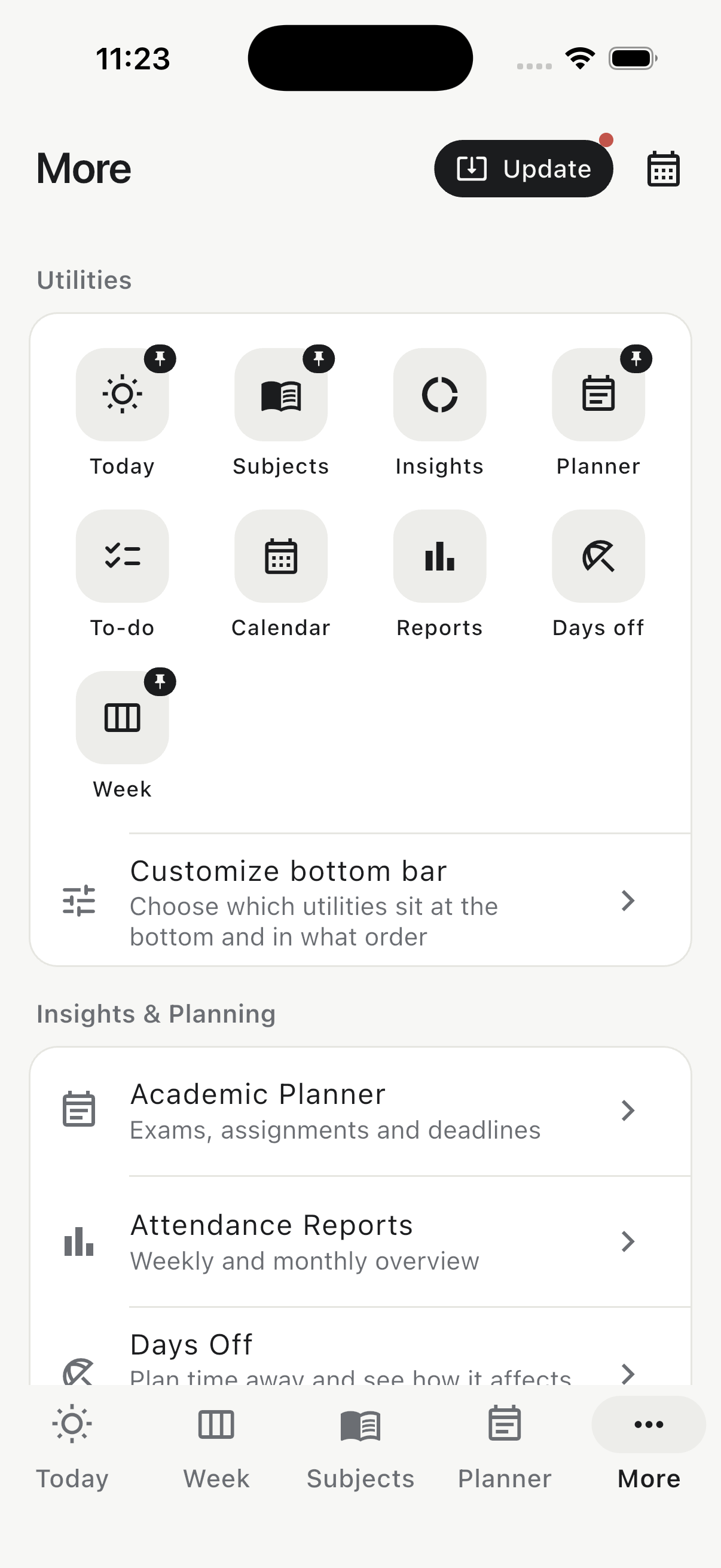
Customize the bottom bar, then use reports, imports, exports, backups, a widget and Google Calendar Sync when you need them.
Classly turns the numbers, timetable and work ahead into decisions you can make in seconds.
Mark upcoming classes as attended or missed and see your projected percentage and safe margin instantly.
Your timeline keeps times, rooms and notes together. Finish a class—or the whole day—without opening a spreadsheet.

Plan deadlines beside your timetable, add reminders and subtasks, and focus on what is due next.


Classly works without a Classly account or an internet connection. Core data stays on your device unless you choose to export, sync or back it up.
Use a calculator for a quick decision. When you want the answer to update after every class, move the same habit into Classly.
Calculate your percentage from attended and total classes.
Plan an absence Bunk calculatorSee how many upcoming classes you can miss and stay on target.
Get back on track Recovery calculatorFind how many consecutive classes you need to attend.
Check every subject Subject-wise calculatorCompare individual subjects and your combined attendance.
Look ahead Semester plannerEstimate classes and attendance across the whole term.
Stay ready Exam countdownCount study days to an exam, with Sundays optional.
Starting mid-semester, fixing a past class, moving to a new phone: search every answer in the help centre.

Free on iPhone, iPad and Android. Add your timetable, target and first task in minutes.